Learn the rhythm
A slower opening pace, longer lock delay and the classic four-block pieces.

Third Row: Block Drop · Android
A focused falling-block puzzle with five ways to play, automatic local saves and the freedom to continue exactly where you stopped.
Current release Version 0.3.0 (Build 3)
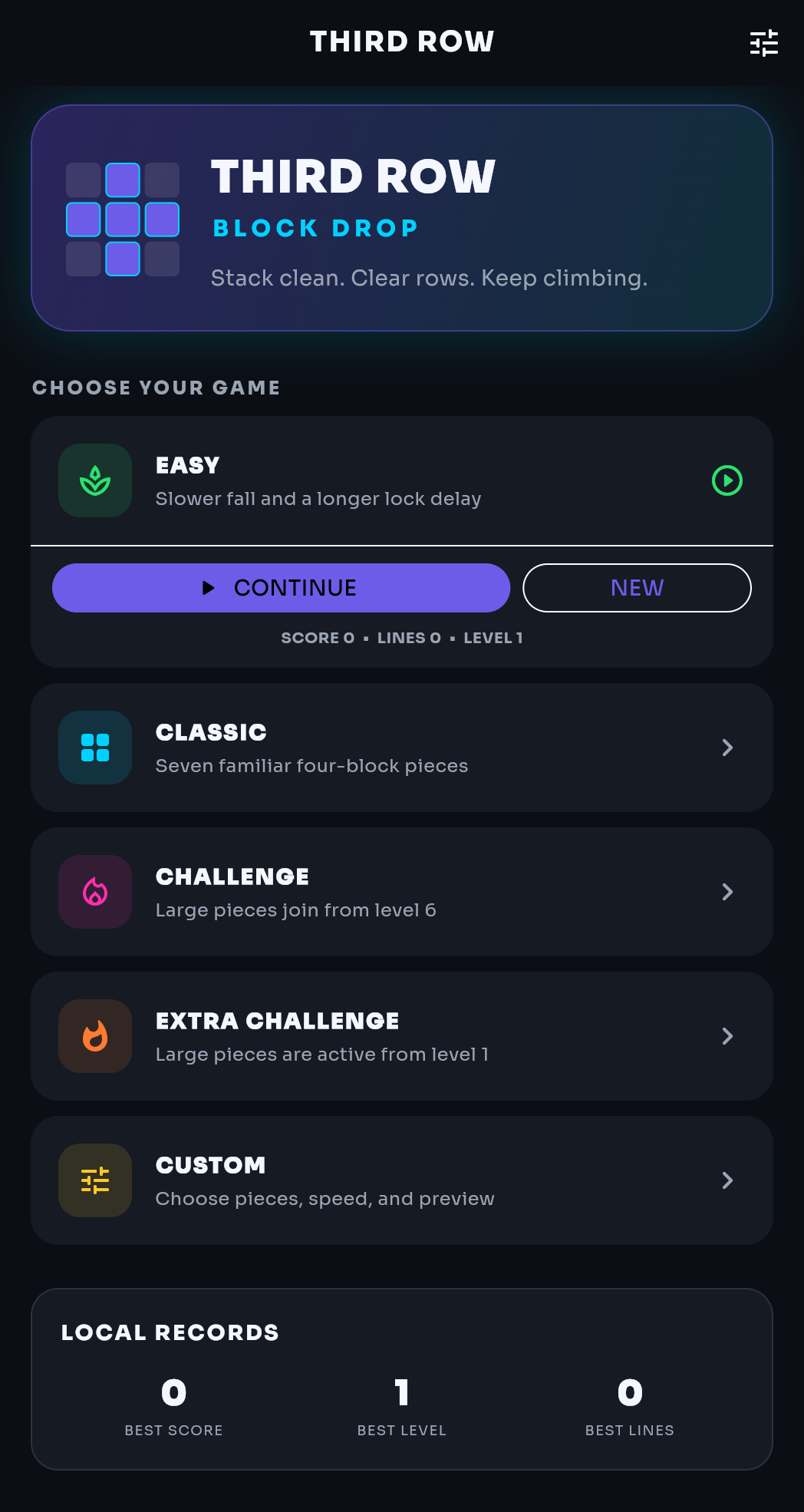
Choose your challenge
Start gently, stay with the seven familiar shapes or bring larger five-block pieces into play.
A slower opening pace, longer lock delay and the classic four-block pieces.
The standard set of seven pieces at the normal starting speed.
Larger five-block pieces begin appearing gradually from level six.
The bigger pieces are active immediately for a denser, less predictable board.
Choose classic, mixed or hard pieces, the opening speed and how many next pieces you can see.
Every ten cleared rows raises the level.
Clean captures
Controls
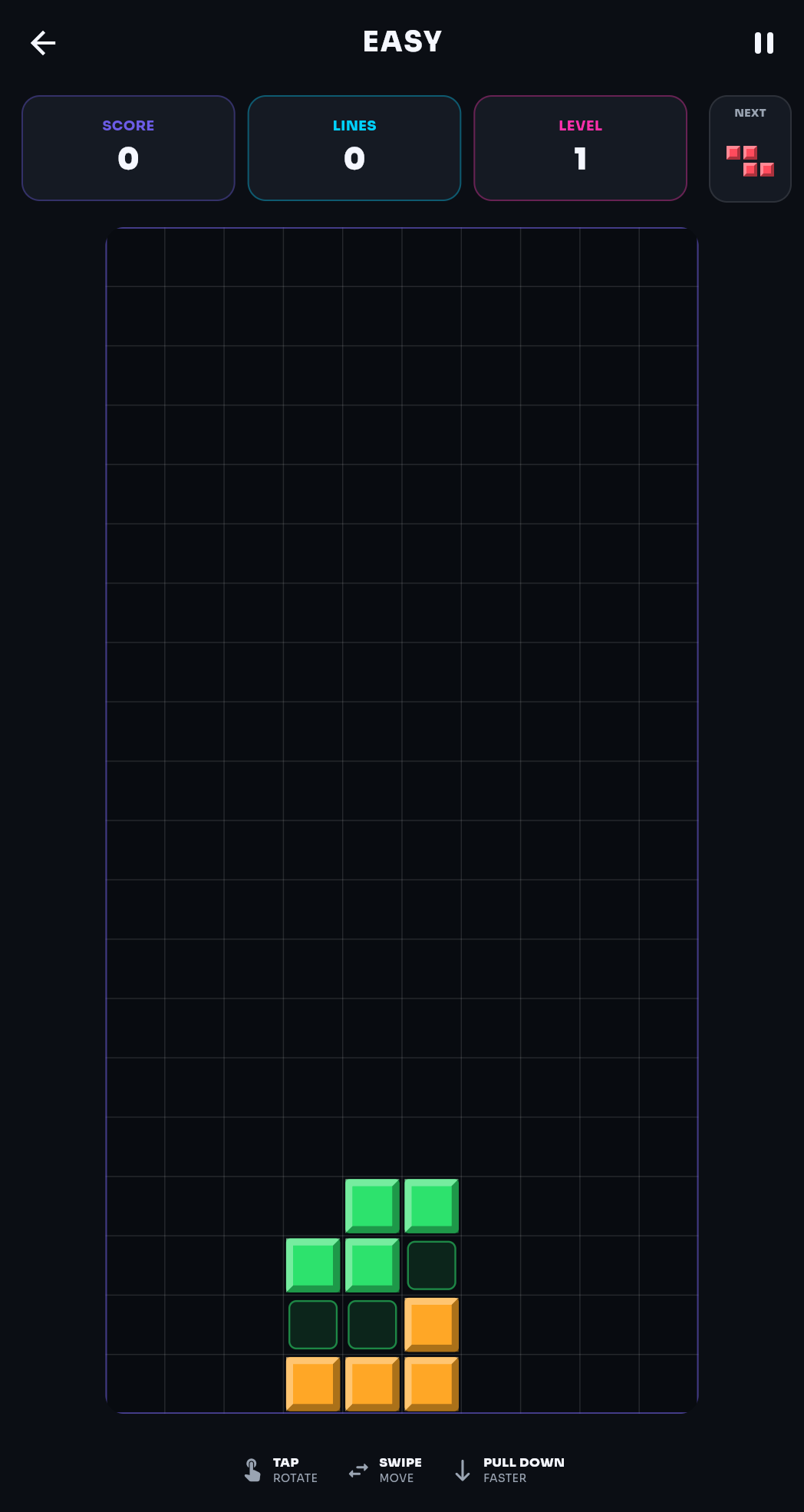
Third Row responds to direct touch gestures and familiar keyboard controls where a keyboard is available.
Tap anywhere on the board to turn the current piece.
Swipe left or right to position the falling piece.
Swipe downward when you are ready to accelerate the drop.
Use the arrow keys, Space for an instant drop and P to pause.
Automatic local saves
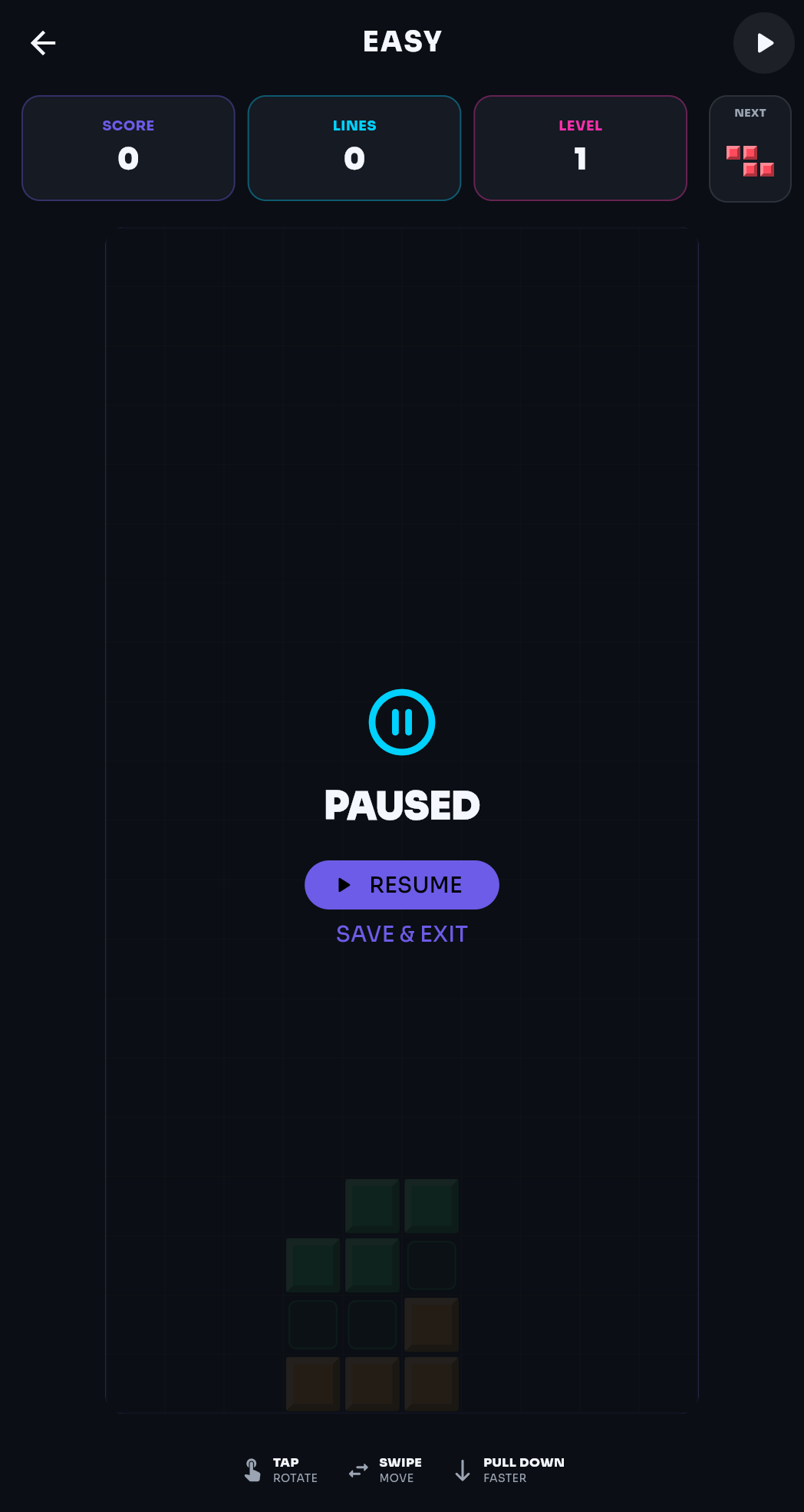
Third Row saves after a piece lands, when you pause and when you leave. The home screen then shows Continue and New, together with the last score, lines and level values.
Next Pieces can show one, two or three upcoming shapes. Custom mode can also hide the preview completely.
Private by design
Third Row has no account, advertising, analytics or tracking. Scores, settings and saved games are stored locally and are not sent to NeoArcade Studio.